Removing a Node
There may come a time when you need to remove a node from your distributed deployment. To do this, you’ll need to remove the node’s configuration from a few different components.
Removing a Search Node
To remove a search node, the data stored on the node needs to be migrated off before other node removal actions.
Use the following command in Kibana Dev Tools to stop shard allocation to the node (replacing 10.0.0.1 with the actual IP address of the search node to be removed):
PUT _cluster/settings
{
  "persistent" : {
    "cluster.routing.allocation.exclude._ip" : "10.0.0.1"
  }
}
For more information about this command, please see https://www.elastic.co/guide/en/elasticsearch/reference/current/modules-cluster.html#cluster-shard-allocation-filtering.
Once all data has migrated off the search node, then you can continue with other node removal actions.
Removing from Salt
You can remove a node from Salt by going to Administration –> Grid Members.
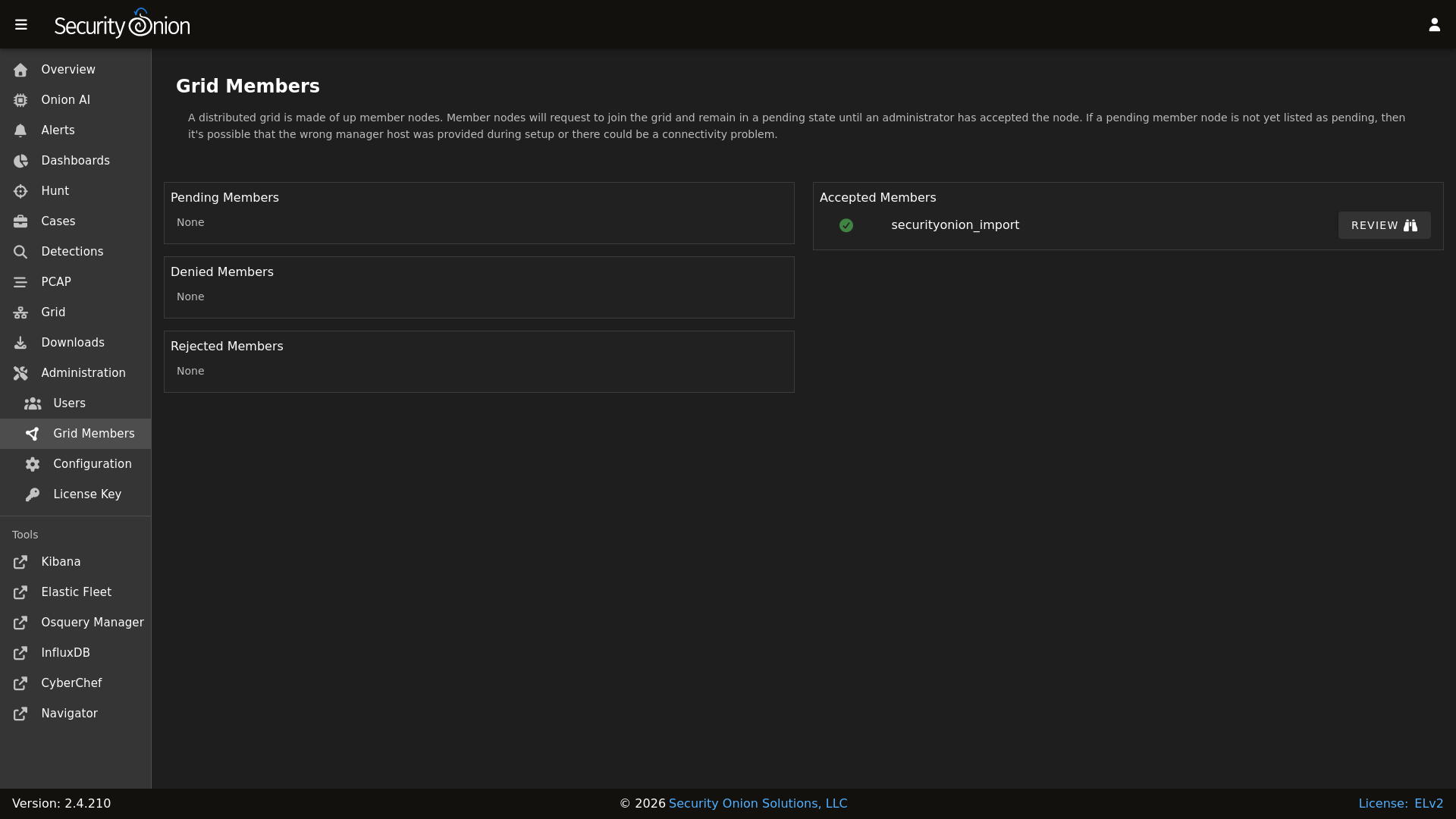
Find the Grid Member you would like to remove, click the REVIEW button, and then click the DELETE button.
Removing from SOC
To remove the node from the SOC Grid page, make sure the node is powered off and then restart SOC:
sudo so-soc-restart
Removing from Fleet
To remove the node from Elastic Fleet, go to the Agents tab and find the node. Then click the checkbox to the left of the node. Click the Actions button and then click Unenroll 1 agent. Select the Remove agent immediately option and then click the Unenroll agent button.